
How to Delete 1xBet Account?

 24/7 customer supportFast and Filipino-friendly account assistance
 Auto-deletion
Account closure at 1xBet requires direct contact with customer support. No self-service delete button exists. Three basic steps to delete your 1xBet account:
- Withdraw or use all funds.
- Contact support via live chat or email.
- Send a clear request: “I want to permanently close my account.”

If your issue started during 1xbet registration, for example because of incorrect details or a duplicate profile, support may be able to resolve it without permanent account closure.
Fast 1xBet Deletion Steps
To delete 1xBet Account complete these steps in order. Missing a step will delay the process.
- Withdraw your balance. Initiate a withdrawal for all available funds. Wait until the transaction is completed before proceeding.
- Cancel any active bonuses. Go to “My Account” > “Bonuses.” If a bonus is active, cancel it. Unfinished wagering requirements will block closure.
- Contact support. Use the live chat icon (bottom right) or email [email protected].
- State your request. Provide your account ID or registered email. Use a clear, direct message.
- Confirm closure. Wait for a confirmation reply. Do not assume the account is closed until you receive written confirmation.
Copy-Paste Message to Support
Use this exact template. Replace the bracketed information.
Subject: Account Closure Request – [Your Registered Email]
Message:
I am requesting permanent closure of my 1xBet account.
Account ID: [Your Account ID or Email]
Reason: [Optional, e.g., Personal reasons]
I have withdrawn all funds and have no active bonuses.
Please confirm when the account is closed.
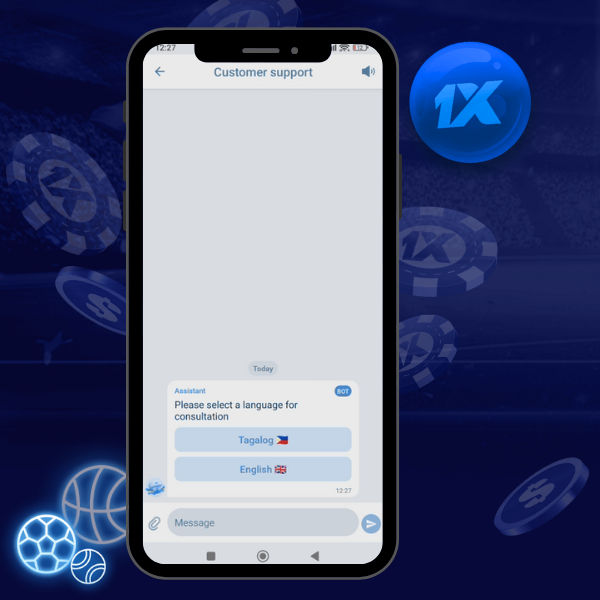
What To Do Before Deleting Your 1xBet Account
Complete this checklist before contacting support. Unfinished items will result in a rejected closure request.
Pre-Deletion Checklist
- Withdraw all available cash balance.
- Cancel any active bonus promotions.
- Settle all pending bets. Open bets cannot be transferred after closure.
- Save transaction history and bet records for tax or personal records.
- Clear any linked payment methods if possible.
How Long It Takes
The process has two phases. The first is user-controlled. The second depends on support response times.
Progress Timeline
| Phase | Duration | Status |
|---|---|---|
| Preparation | 5-30 minutes | User completes checklist, sends message. |
| Initial Response | 2-24 hours | Support acknowledges request, may ask for verification. |
| Verification | 24-72 hours | Support confirms identity if required. |
| Final Confirmation | 24-48 hours | Account is closed. Confirmation email sent. |
Total estimated time: 2-5 days from initial request to final confirmation.
If It Doesn’t Work
Support may delay or reject the closure request. Common reasons and solutions:
- No response within 48 hours: Send a follow-up email with the original message. Use the live chat to reference your ticket number.
- Request for additional verification: Submit the requested documents (ID, proof of address, payment method photos) immediately.
- Active bonus detected: Cancel the bonus manually in “My Account.” If the bonus cannot be canceled, inform support you forfeit the bonus and any associated winnings.
- Pending withdrawal: Wait for the withdrawal to complete. Support will not close an account with funds in process.
- Account already restricted: If access is lost, email support from the registered email address. Include “Account Closure – Restricted Access” in the subject line.
FAQs