
Request Limit Exceeded: How to Fix It
🔙 Back to 1xBet Help Page
Problem
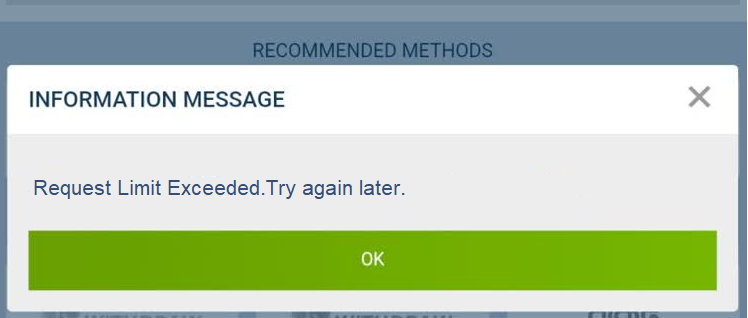
Too many login or verification codes were requested, causing the platform to display the error “Request Limit Exceeded”
How to solve
- Stop requesting new codes immediately.
- Wait through the cooling-off period instead of retrying repeatedly.
- Close the app or browser session and reopen it later.
- Make sure you are using the correct login details before trying again.
- Request the code only once after the waiting period.
- If the same message appears again without repeated attempts, contact support.
- Send support the exact text of the message and explain whether the requests were made by SMS or email.
FAQ
What does “request limit exceeded” mean in 1xBet?
It usually means too many code or verification requests were made in a short period.
Can I fix it immediately?
Usually no. The safest first step is to stop making new requests and wait.
Will repeated retries help?
No. They often make the lock last longer.
What should I prepare if I contact support?
The account ID, the phone number or email used, and the exact message on screen.
Useful information
Useful information for users of 1xBet Philippines is available in the following sections: Is 1xBet Legit, Terms, Responsible Gaming, Self-Exclusion, 1xBet Help Section, and Privacy Policy.
Install 1xBet Mobile App
Get the latest version of the application